


A macOS app for quickly generating clean brand wallpapers.


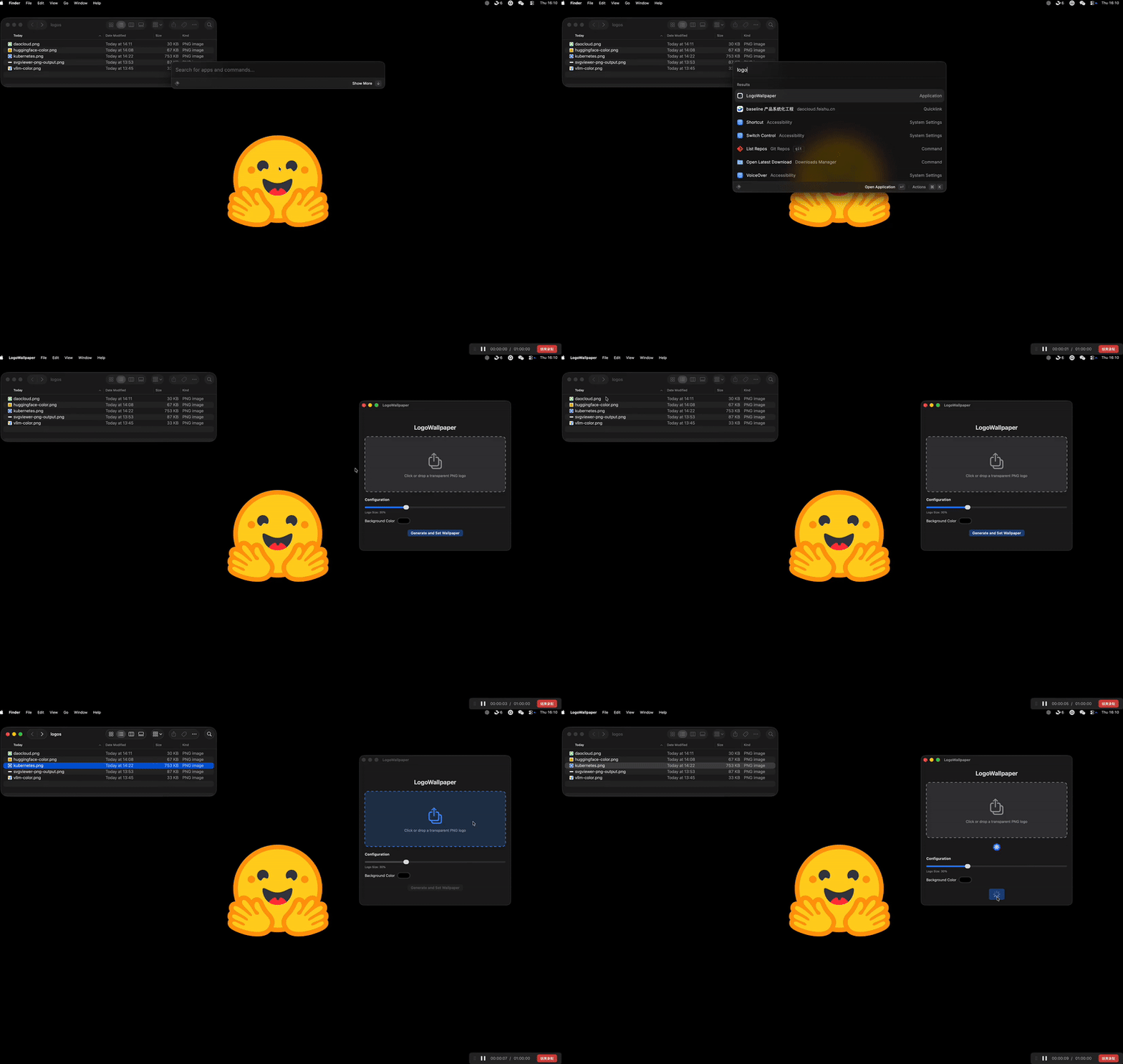
LogoWallpaper is a SwiftUI macOS app for quickly generating clean brand wallpapers. Drag your logo into the window and the generator creates polished, watermark-free backgrounds that are ready for presentations or daily use.
- Homebrew (recommended)
Homebrew will place LogoWallpaper in
brew install samzong/tap/logo-wallpaper
/Applications. Launch it from Spotlight or the Applications folder. - Manual download
Download the latest.dmgfrom the releases page, open it, and drag LogoWallpaper into/Applications.
- Prepare a watermark-free PNG as the source logo and drop it into the app window to start generating wallpapers.
- If your artwork is in SVG format, convert it to PNG with the free tool at https://www.svgviewer.dev/svg-to-png.
Tweak colors, layout, and export settings to create wallpapers tailored to any display.
- Fork the repository and clone your fork locally.
- Open the project in Xcode with
xed .or run headless builds viaxcodebuild -scheme LogoWallpaper -destination 'platform=macOS' build. - Run the full test suite before submitting changes:
xcodebuild -scheme LogoWallpaper -destination 'platform=macOS' test
- Follow the project coding style, add focused unit tests under
LogoWallpaperTests/, and reference any related issues in your pull request body.
This project is licensed under the MIT License - see the LICENSE file for details.